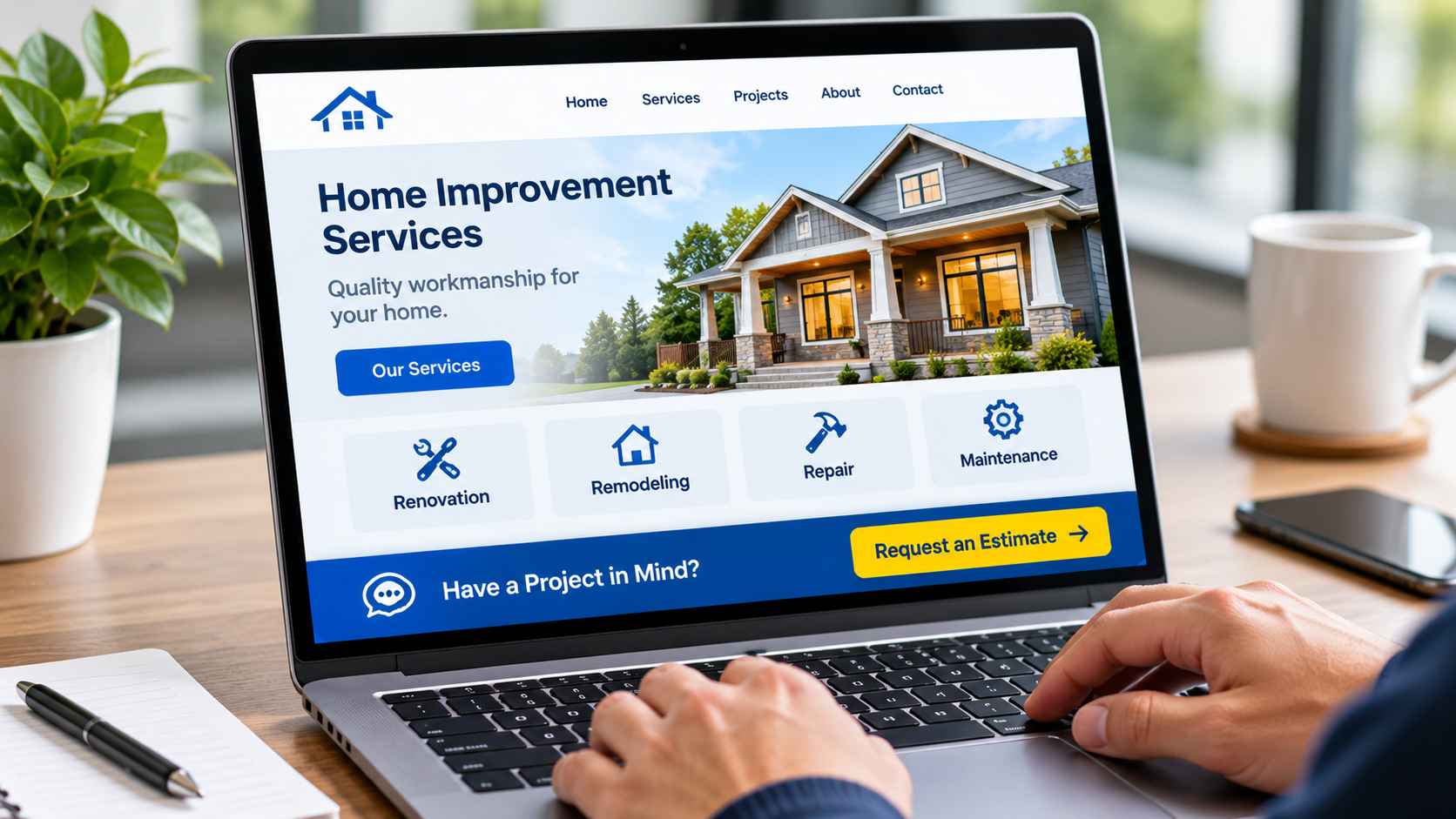
A visitor who leaves a website may not have lost interest in its products or services. Sometimes, the problem is much simpler. A navigation menu is difficult to understand, a page takes too long to load, or a contact button is nowhere to be found after several minutes of reading.
These frustrations can interrupt otherwise productive browsing sessions. For businesses with detailed service pages, extensive product descriptions, or educational resources, usability deserves as much attention as the content itself.
WordPress website owners can address many of these challenges through targeted interface improvements. Clear navigation, responsive layouts, and persistent calls to action can help visitors continue exploring a website without encountering unnecessary obstacles.
Understanding the Relationship Between Usability and Visitor Retention
Website usability describes how easily people can interact with a site and accomplish their intended tasks. Visitor retention, in this context, concerns whether people continue browsing, return to the website, or remain engaged long enough to find what they need.
The two are closely related, although a lengthy browsing session does not automatically indicate a positive experience. Someone who finds an answer quickly and leaves may be completely satisfied. Another visitor might spend several minutes searching unsuccessfully for a contact form.
Website owners should therefore focus on reducing frustration rather than simply increasing the time people spend on their pages. A useful website respects the visitor’s time and makes common tasks straightforward.
Identifying Interface Problems That Interrupt Browsing
Usability problems often emerge when individual website components are designed without considering how they work together.
Common sources of frustration include:
- Navigation menus with unclear or inconsistent labels.
- Slow-loading images that cause content to shift unexpectedly.
- Contact buttons that are difficult to locate.
- Pop-ups that interrupt reading or cover navigation.
- Forms that require unnecessary information.
- Mobile layouts that require horizontal scrolling.
For example, an online store might provide detailed product specifications but make its delivery information difficult to find. Improving access to that information could be more valuable than adding another purchase button.
Identifying the actual obstacle should come before choosing a design solution.
Why Long Pages Can Make Important Actions Harder to Find
Long pages are useful for explaining complicated products, comparing service packages, and publishing comprehensive guides. However, they can also create distance between the content a visitor is reading and the action they want to take.
Imagine someone exploring a home renovation company’s service page. After reviewing project photographs, available materials, and frequently asked questions, they decide to request an estimate. If the contact button appears only at the top of the page, they must retrace their steps.
Repeating a relevant button at natural points in the content can address this issue. Another option is a persistent interface element that remains available while the visitor scrolls.
How Sticky Calls to Action Work
A sticky call to action is a button or bar designed to remain accessible as a person moves through a webpage. Depending on its implementation, it may stay near the bottom of the viewport or attach to a specified location within the page.
Website owners exploring Sticky CTA WordPress functionality can consider this approach when important actions become difficult to locate during extended browsing sessions.
Unlike a modal pop-up, a non-obstructive sticky element does not need to interrupt the visitor or demand an immediate response. It simply keeps an option available until the person chooses to use it.
Choosing Appropriate Use Cases for Persistent Buttons
Different websites require different actions. A persistent button should reflect the purpose of the page rather than display the same message everywhere.
Service Businesses
A plumbing or home maintenance company could keep a request form accessible while visitors compare services, provided the button leads to the appropriate inquiry process.
Online Stores
On a WooCommerce product page, a compact purchase bar can keep buying options accessible while shoppers examine specifications and reviews. It should respect product availability and required selections, including size or colour.
Blogs and Educational Resources
A publisher could offer a discreet newsletter subscription option alongside longer articles. However, a persistent subscription bar may be unnecessary for visitors who have already subscribed.
Advertising Landing Pages
Businesses using paid advertising can keep a relevant appointment or inquiry option accessible while visitors evaluate the advertised offer. The button should reflect the same action described in the advertisement.
Designing Persistent Elements Without Creating New Frustrations
Placement, Wording, and Contrast
A sticky button must be recognizable without competing with the primary content. Choose a position that avoids navigation controls, cookie notices, and existing chat widgets.
Clear labels such as “Request an Estimate” or “Check Availability” communicate what happens next. Sufficient colour contrast and visible keyboard focus help visitors identify and operate the control.
Mobile Behaviour and Technical Performance
When adding a WordPress sticky CTA button, test how it behaves on narrow screens, when the device rotates, and when an on-screen keyboard opens. The final lines of a page and important form controls should remain accessible.
Avoid unnecessary animations and large assets that introduce extra loading work. A lightweight interface improvement is preferable to one that adds noticeable delays.
Implementing Changes Selectively in WordPress
WordPress administrators can use theme settings, page builders, custom CSS, or dedicated plugins to introduce persistent elements. Tools such as WP CTA Pro are among the options worth evaluating when choosing functionality for a WordPress website.
Before installing anything new, check whether the existing theme already offers the required behaviour. Review compatibility, maintenance requirements, and the ability to control which pages display the element.
Exclude pages where a persistent action is unnecessary, such as confirmation pages or checkout screens that already provide their own controls. Test the configuration on a staging website before making it publicly available.
Measuring Whether Visitors Have a Better Experience
Website owners should assess whether changes help visitors achieve meaningful tasks, not merely whether they attract attention.
Monitor completed inquiries, purchases, subscriptions, form errors, and navigation patterns. Compare sticky button interactions with those of standard in-content buttons where possible.
A higher click count combined with more abandoned forms may indicate that the destination needs improvement. Similarly, a decline in engagement on mobile devices could suggest that a persistent bar is occupying too much screen space.
Manual usability tests can complement analytics. Ask someone unfamiliar with the website to find a service, locate pricing, or complete a test inquiry. Observe where difficulties occur before making further changes.
Conclusion
Visitor retention depends partly on whether a website continues to meet people’s needs throughout their browsing experience. Clear navigation, accessible information, reliable performance, and relevant calls to action can remove obstacles that otherwise interrupt useful interactions.
Sticky buttons are one practical option, particularly for long pages where important actions disappear during scrolling. However, they should be implemented selectively and evaluated alongside other usability improvements.
The priority is to build a website that makes it easy for visitors to find what they need and take the next step when they choose.